Get the mods
 A
Evenfall
Fable 5.2
$175.02
Download (7.2 MB)
SHA-256 checksum
6b62ac5ce9c390e8bbe518376644fdc1d5ae869d6c7305ded1c15b03e1fdf0c0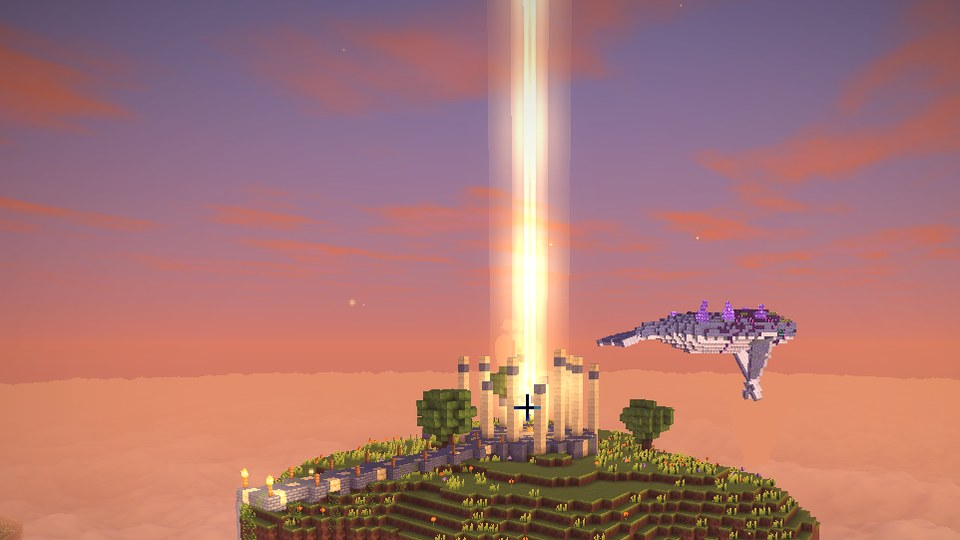 B
Duskreach
Opus 5.5
$82.55
Download (10.3 MB)
If the light jumps as you walk, turn off View Bobbing in Minecraft's video settings.
SHA-256 checksum
30b86e461d126c63dcf43f8889fb81e453d002630a102f42bd8368ab89b0564dHow to play them
- You need Minecraft: Java Edition 26.3.
- Install Fabric Loader 0.20.1 or newer for 26.3.
- Put Fabric API for 26.3 and one of the mods in your mods folder.
- Choose Fabric in the Minecraft launcher and make a new world. The goal in the top left tells you what to do next.
Use a new world and back up any you care about. Both mods need Java 25. These are fan-made mods, not official Minecraft products, and are not approved by or associated with Mojang or Microsoft.
The prompts
Build a Minecraft Java Edition mod that adds a new dimension to the real game, on this Windows PC (RTX 5070 Ti, 16 GB graphics memory, 31 GB RAM). Work only inside this folder. You are working alone: do every part yourself.

THE DIMENSION
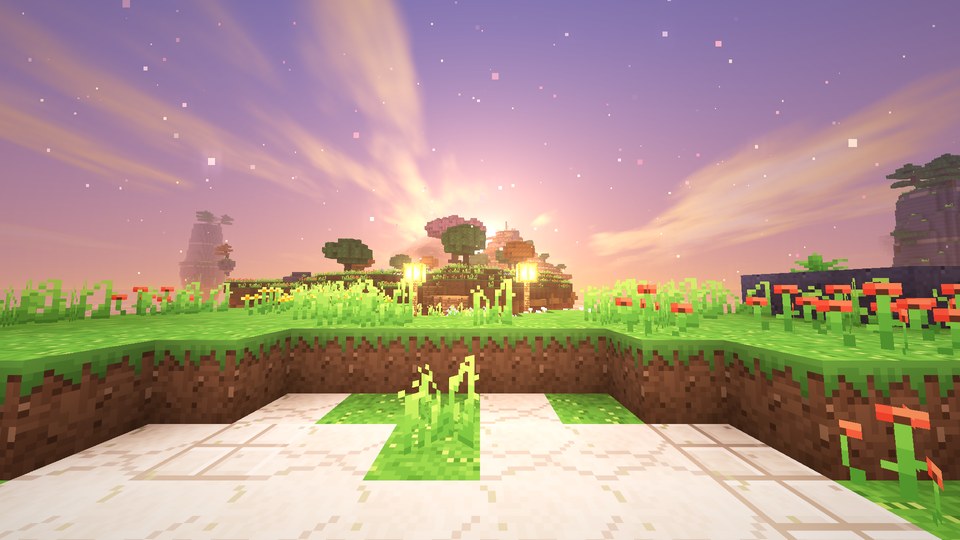
Your sky-islands game from last time is in your-earlier-game/. Bring that world into real Minecraft as its own dimension: floating islands at sunset over a sea of clouds, waterfalls pouring off the edges, layered rock, glowing crystal caves, a sky that turns from gold to stars.
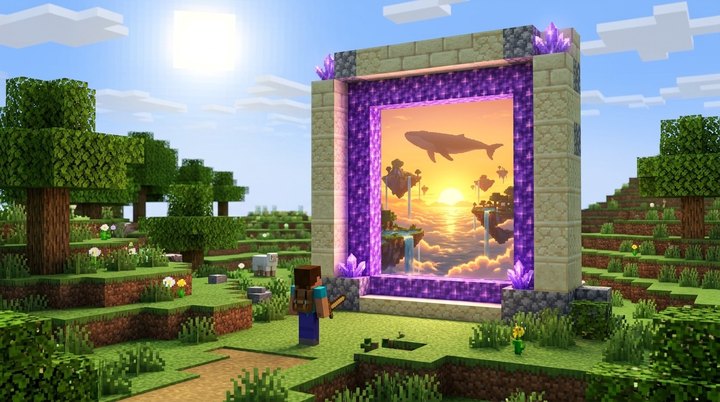
- A portal a survival player can build or earn in the normal world, and a way home.
- Its own terrain generation, sky, fog and light, so it looks like nowhere else in Minecraft the moment you arrive.
- New blocks with their own textures, and items made from them.
- New creatures that live on the islands, with their own models, textures, animations and sounds.
- Its own look: write your own shaders for the dimension (sky, light, fog, water, glow, colour) inside the mod, plus drifting particles and weather, so it looks this good with nothing else installed. Check them against the references in screenshots and keep adjusting until they match.
- Its own sound: music for the dimension and for the boss fight, ambient sound, and sounds for every creature and block, made yourself.
- Places worth finding: ruins, loot and secrets on the islands.
- A clear path through it: the player always knows what to do next (find the portal materials, reach the dimension, find a way onto the whale), shown on screen, from first arrival to the ending.
- A sky that moves from golden sunset into a starry night and back, with the light changing as it goes.
- One thing that can go wonderfully wrong: falling off an island is a long, dramatic fall into the clouds, and it should feel like it.
Name the dimension, its blocks and its creatures yourself.

THE BOSS
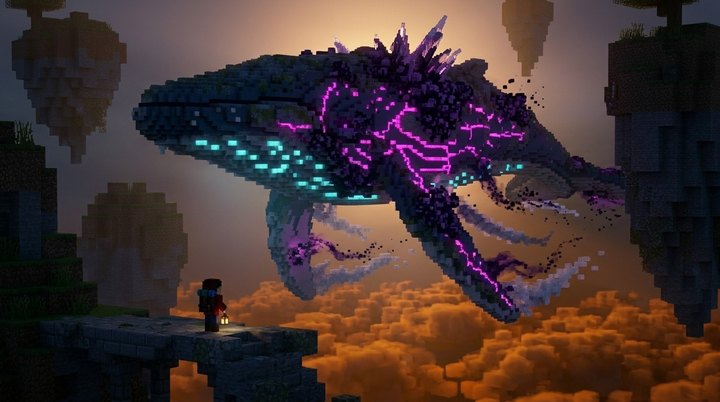
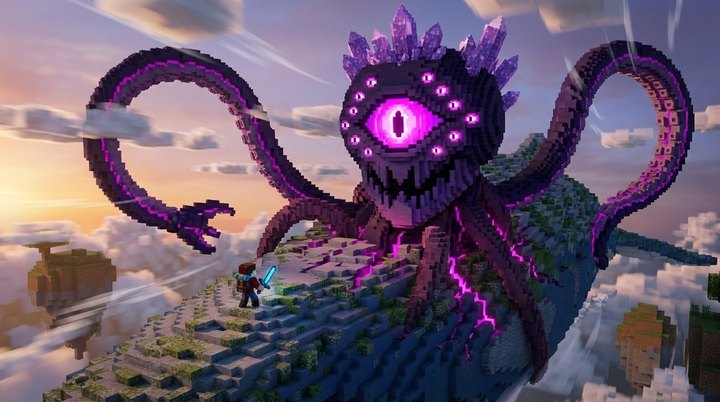
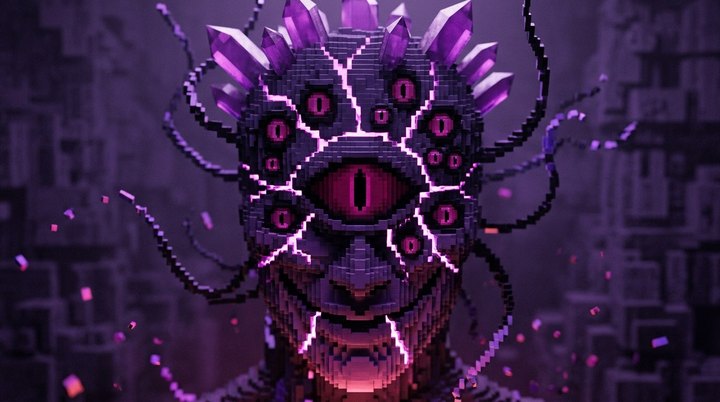
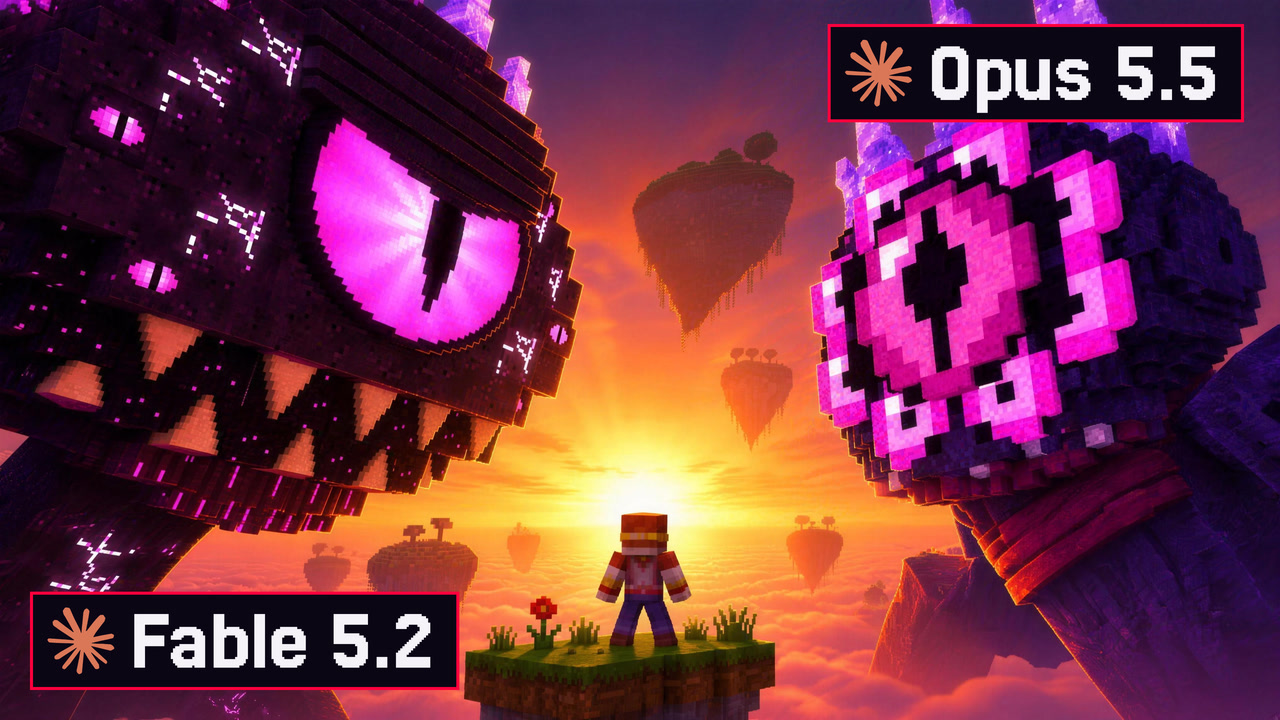
A huge sky whale drifts through the dimension. A parasite has taken it over, and the parasite is the villain: not a blob but a character, with a face, many eyes, a name and a personality, rooted into the whale's back and controlling it. Design both yourself.
- The player gets onto the whale's back while it flies and fights the parasite, while it and the whale fight back.
- Make it a real boss fight: a short cutscene when the parasite first shows itself, with the camera taking over, its name and health bar on screen, phases that change how it fights (its eyes as weak points, minions, the whale rolling or diving under its control), attacks with warnings the player can read, things it says to the player, and its own boss music.
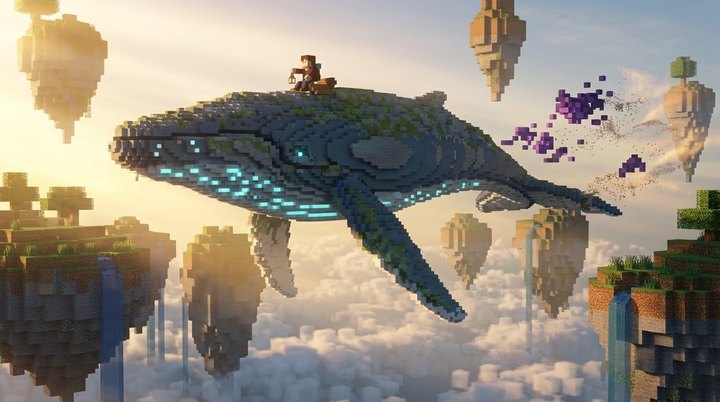
- Win, and the parasite dies but the whale lives: freed, it becomes the player's to ride, and flying on it across the dimension should be the best moment in the mod. End with a short cutscene and the mod's own ending. Fall off, and it's a long drop into the clouds.

HOW IT LOOKS
This should be a spectacle: the most beautiful thing anyone has seen in Minecraft. Blocky and readable, at Minecraft's own scale and texture resolution, so it belongs in the game, but clearly its own place. The look to aim for is in references/: concept/ (the islands, the whale, a crystal cave, a waterfall island, night, the summit, the fall) and boss/ (the corrupted whale from afar, the parasite villain on its back and its face up close, the freed whale, the portal). - Game feel: particles, screen shake and sound when things hit, break or land, so every action feels good.
- Smooth: it must hold 60 frames per second on this PC with the dimension, its creatures and the boss on screen.
QUALITY.md is a guide to what makes a game look great: read it, and keep what suits this mod.

TECHNICAL
- Use Fabric (its client game tests are how you test hidden) on Minecraft 26.3. Loom puts Minecraft's own source in the Gradle cache: read it when you need to know how the game really works, especially its rendering. Java 25 and Gradle (through the project's wrapper) are installed.
- Blender 5.1 is at C:\Program Files\Blender Foundation\Blender 5.1\blender.exe for models, textures and preview renders, run in the background only (blender -b).
- No outside art, models, textures or sounds: make everything yourself.

CHECK YOUR OWN WORK
Work in a loop until it's right, and keep going round it:
- Run the real Minecraft client through automated in-game tests (Fabric's client game tests, with the game window created hidden: add SDL_WINDOW_HIDDEN to the window flags with a mixin on com.mojang.blaze3d.platform.Window.createWindow; a working example is in tools/hidden-client/): build the portal, travel through it, explore, place and break every new block, meet every creature, and fight the whale to the end.
- Take screenshots at every step, at 1920x1080, and look at them properly, at full size, next to the references. If something looks wrong or doesn't match the brief, fix it, then test and look again.
- Keep going until everything works and looks as good as you can make it. Keep the best screenshot of each thing in proof/.

RULES FOR THIS PC
Someone is using this computer. Never open a window on the screen: the Minecraft client and Blender stay hidden or in the background. Never touch the real mouse, keyboard or window focus. Don't install anything outside this folder; Gradle downloading Minecraft and the loader is fine.

When the mod is finished, reply READY, with the dimension's name, what you built and how long it took. If it can't be finished, reply BROKEN and why.
# What makes a game look great

**What this is for:** someone watches ten seconds and asks "AI made that?" because it looks designed, feels good and works.

This is taste, not a checklist. Ignore anything that doesn't suit this game, and beat it wherever you can.

## What looks cheap and AI-made

- Default engine materials, skies, mannequins, fonts or particles
- Obvious repeating textures, and everything equally shiny or equally matte
- Flat lighting, or random coloured lights everywhere
- Glow used to hide weak shapes
- Floating props, things sunk into the floor, accidental overlaps
- Identical corridors and evenly spaced, generated-looking rooms
- T-poses, sliding feet, enemies that glide
- Hits with no weight
- Stock fantasy: glowing runes, purple magic, chosen ones, ancient evil, crystals everywhere

## Look

- Pick one clear art direction and hold it everywhere.
- Every important view has one focal point, with a foreground, middle and background.
- Characters and enemies read from their outline alone.
- Materials show age, wear and variation.
- Light has a clear direction and guides the player.
- Big things feel big: put something human-sized nearby and let distance fade them.

## UI

- It should look designed for this game's world, never like a website or a default engine menu.
- Show only what the player needs right now, and fade the rest.
- One clear focal point per screen, with text large enough to read in a video.
- Use a distinctive display font and a clean text font. Avoid Arial, Roboto, Papyrus, Trajan and Cinzel.
- Sentence case. No letter-spaced capitals, glows, bevels, gradients, glass panels, rounded web cards or status dots.
- Every menu has clear hover and press states and works with the game's real controls.
- Teach through play. No walls of text or stacks of tutorial popups.
- The title screen is a moment: designed lettering and a strong image.

## Feel

- Controls respond instantly, and the camera never fights the player.
- Actions have wind-up, impact and recovery.
- Every hit lands with some mix of pause, flash, particles, sound, shake and reaction.
- Enemies show what they're about to do.

## Game design

- The first two minutes have a goal, some danger and a reason to continue.
- Something new happens every minute or so.
- Teach a mechanic safely, test it, then twist it.
- Show the player where to go without telling them.
- The player can never get permanently stuck.

## Sound

- Every action has a sound, with variation so it never feels repetitive.
- The world has its own ambience and is never silent by accident.
- Music supports the moment and stays under the effects.

## Before calling it done

Play it as a stranger and ask: is it obvious where to look? Does it feel good? Does it look like its own game? Would I keep playing after two minutes? If not, fix the weakest thing.
The reference art